
Find the exact title for your account
Search the regional casino catalogue for Falling Pickaxe and verify Pixmove as the developer. If it is absent, ask support whether the title is available for your location and account type. A similar mining image does not establish the same game.
Read the operating entity, account eligibility and identity requirements on the actual service you intend to use. A brand mention on a third-party page does not establish that your account can launch the game or receive a particular promotion.
The provider demo is available as a separate learning route. Its presence here should not be treated as proof of JeetWin catalogue access.
Check the controls on the device you will use
Pixmove describes Falling Pickaxe as adaptive. On a phone, start in portrait orientation and identify the stake, balance, rules panel and start control before beginning. Make sure the browser’s own bars or zoom settings have not hidden part of the interface.
Try the free demonstration on your device first. A usable desktop view does not prove that an older phone or an embedded browser will behave the same way. If a control overlaps another element or the display repeatedly freezes, resolve that issue without placing a real stake.
No separate game APK is needed to use this site’s demo. If JeetWin offers an operator application, verify the publisher and download channel independently. Avoid files advertised as predictors or guaranteed-win versions.
Match a problem to the right check
| Visible problem | First check | Next step |
|---|---|---|
| Blank player before a round | Connection and initial loading | Reload once or compare the provider demo |
| Hidden stake control | Orientation and browser zoom | Resolve the layout before paid play |
| Frozen paid round | Round history and settlement | Keep the round reference for support |
| Missing game | Exact title, provider and regional catalogue | Ask about availability before depositing |
Do not disable device security or bypass a regional restriction to make a game load. A loading issue and an eligibility restriction are different situations.
Keep a simple record of what happened
For a hypothetical 1.50-unit round returning 4.50, the net gain is 3 units. If the same cost returns 0.75, the net loss is 0.75. Recording cost and return together gives support and your own session notes a clearer picture than a cropped win screen.
If the animation stops, check whether the round is already recorded before starting another. A display interruption does not necessarily mean the server failed to settle it. Keep the time and round identifier; do not send account passwords or authentication codes.
The rules guide explains the difference between durability, the running win counter and the final return.
Review payments and promotion conditions separately
Confirm a usable withdrawal route before depositing. Read the minimums, currency, charges and ownership checks for the actual method, rather than relying on a generic payment logo. The payments guide explains why deposit and withdrawal support may differ.
If a promotion is offered, verify that Falling Pickaxe is eligible and understand the wagering base and contribution. A casino offer may exclude instant games or optional purchases. Do not accept terms you cannot explain simply.
Set an affordable amount and time limit before any paid session. The provider’s low-volatility classification does not prevent losing runs, and mobile convenience can make the number of rounds easier to underestimate.
Ask a specific question through authenticated support
For catalogue access, give the exact title, provider and account region. For a technical issue, add the device, browser and stage where it occurs. For a transaction, use the relevant game or cashier reference. These are different investigations and should not be mixed into a vague “game does not work” request.
Use the official account support channel and retain the answer with the date and issue reference. If the essential access or payment conditions remain uncertain, pause and compare the other operator guides through the where-to-play hub.
A clean mobile launch sequence
- Open the verified operator destination in a current browser.
- Use the casino search for Falling Pickaxe and check Pixmove.
- Confirm the mode, account currency and stake before starting.
- Open the rules panel and find the round history and manual stop controls.
- Finish one round before changing orientation or starting a batch.
If you prefer an operator app, obtain it through its verified website or official store listing and inspect the publisher. An APK received through a messaging group or a creator directory is not automatically the intended product.
On iPhone, adding the page through Safari's sharing menu can create a home-screen shortcut. That does not by itself establish a native app, offline play or a fully featured PWA. Use the shortcut as a convenience, then confirm the destination when it opens.
Three controls worth testing in the demo first
Stake selection: change the amount once, then check the number displayed before starting. On a small screen, tapping near neighbouring controls can produce an unintended setting. Bonus Buy: read the tool choice and full total price in the confirmation, not just the base stake.
Autoplay: choose a finite count and test the manual stop. The client offers batches from 10 through 1,000 and an unlimited option, but unlimited play is not an idle-miner feature that earns in the background. It repeats starts and can continue consuming the balance.
Do not assume automatic profit or loss stops. Keep the amount and time limit separate from the game controls, and wait for any active round to settle after stopping future starts.
After a disconnect, establish state before repeating an action
Reconnect to a stable network and reopen the account or player through the normal route. Inspect the balance, round history and whether Autoplay is still active. Do not assume the interruption cancelled a stake or that the visible animation can be resumed exactly where it stopped.
If an ordinary round or purchase was charged, find its record before repeating it. A second confirmation can create a new paid action rather than recover the first. Keep the original time, round identifier and total price if support needs to investigate.
For a hypothetical 15-unit purchase, a missing animation does not tell you whether 15 units were charged or what was returned. Only the settled transaction trail can resolve that question. Use the cashier history separately if the issue concerns a deposit or withdrawal rather than a game round.
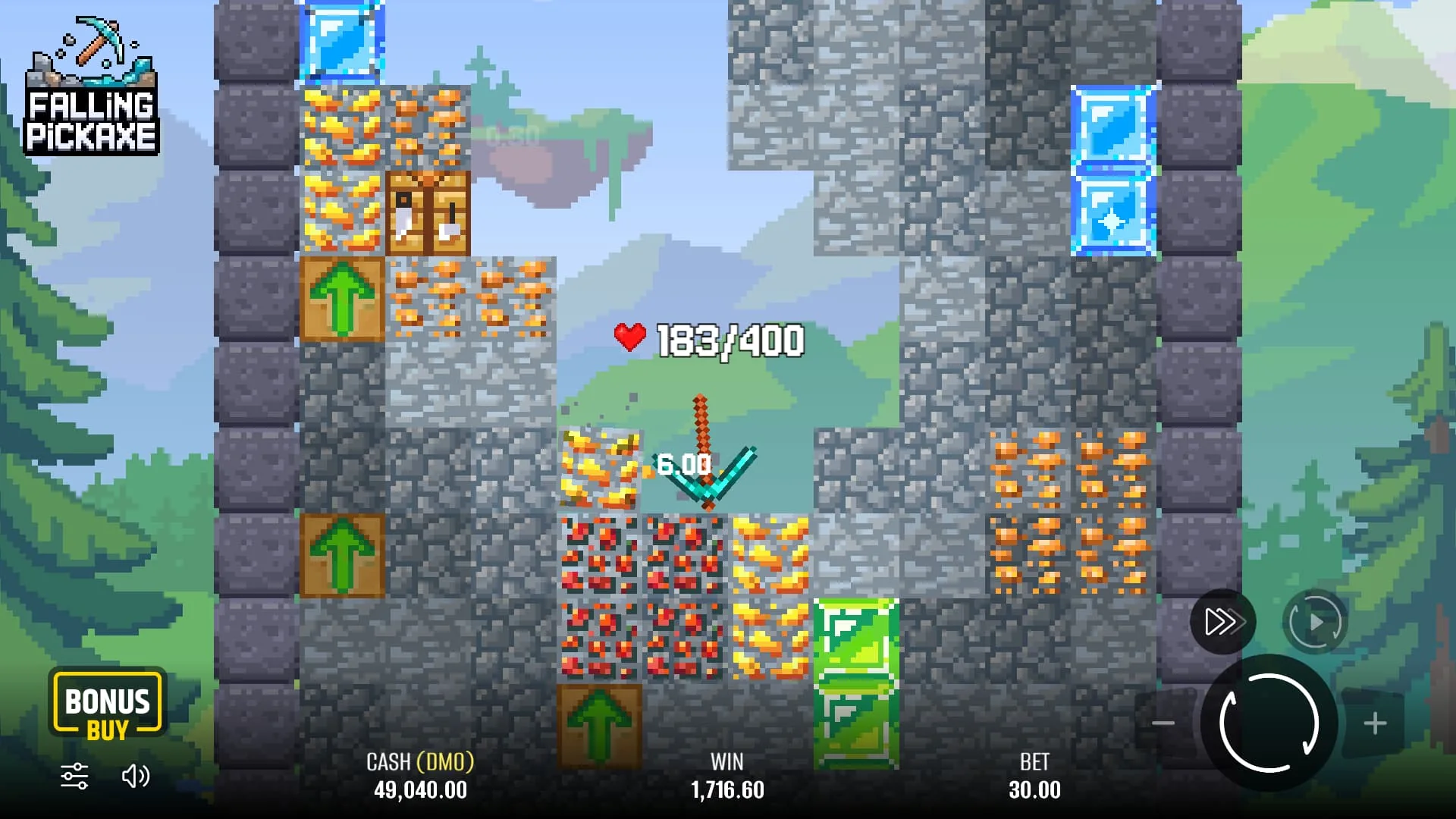
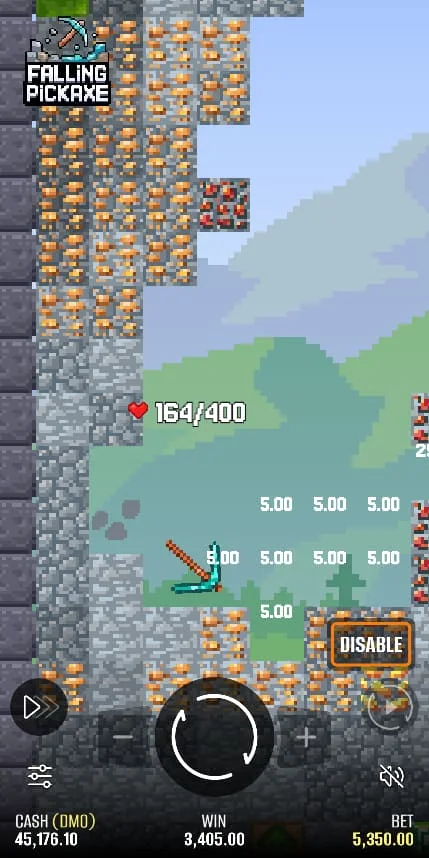
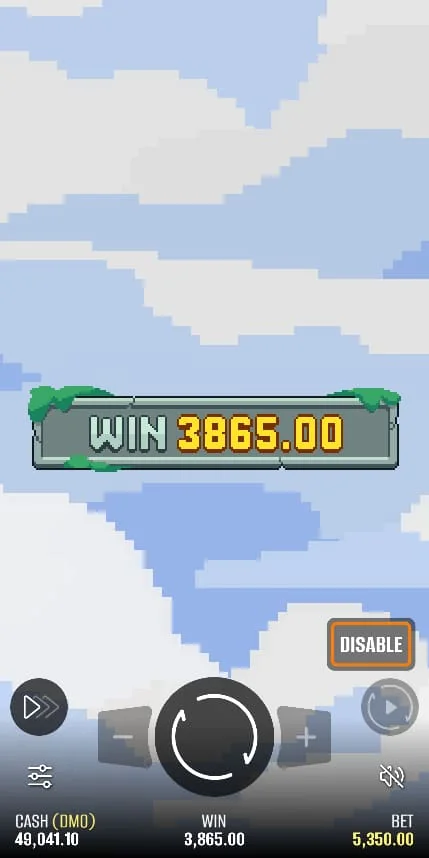
Falling Pickaxe screenshots

Frequently asked questions
How do I find Falling Pickaxe at JeetWin?
Search the current casino catalogue for the exact title and verify Pixmove as the developer. If the entry does not appear for your account region, ask support about access before making a deposit.
Do I need an APK to test the game?
No. The provider demo embedded here runs in a browser. Verify any separate operator app through its official distribution channel.
What if the controls are difficult to use on my phone?
Check orientation and browser zoom, and test in demo mode. Do not place a paid stake while essential controls are hidden or unclear.
What details help support investigate a frozen round?
Provide the round reference, time, stake and device or browser details. Check settlement history first and never share passwords or security codes.