
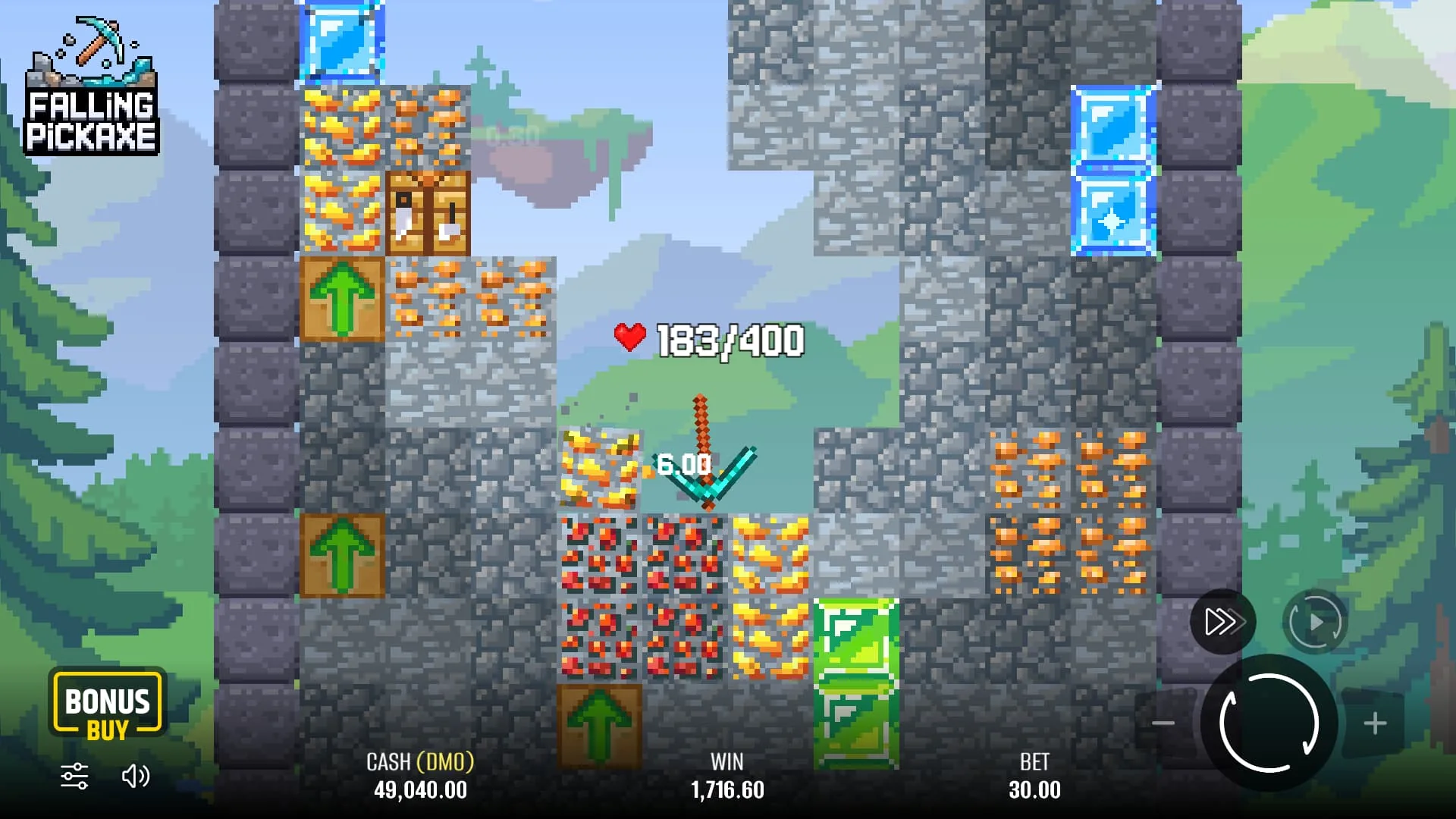
Identify the Pixmove game in the current catalogue
Use the casino search for Falling Pickaxe and inspect the provider name. The correct match is the instant mining game developed by Pixmove. Do not substitute a similarly named mining title or assume that an old search result establishes present access.
If your regional catalogue does not show it, ask authenticated support whether Falling Pickaxe by Pixmove is available to your country and account type. A clear answer should identify the title and the relevant account conditions. Do not fund the account merely to discover whether an unavailable search result becomes playable.
Once the game opens, read its information panel and check the stake display. The published provider specifications are 95% RTP, low volatility and a ×160 maximum; the actual client explains the controls and applicable options.
Keep brand recognition separate from account eligibility
Check the exact domain, operating entity and terms for the account you intend to use. A provider announcement about 1Win is evidence of a game relationship, not a licence statement for every site using that name. Age, location and verification requirements still need to be satisfied.
Before registering, review how identity and payment ownership are checked. Use accurate details and a payment route allowed by the operator. A second account or a location workaround is not a solution to an eligibility restriction.
A compact 1Win launch checklist
| Stage | Evidence to look for | Decision |
|---|---|---|
| Catalogue | Falling Pickaxe with Pixmove provider | Continue only with the exact title |
| Account | Regional terms and verification requirements | Confirm eligibility before funding |
| Game | Rules panel and full selected-action cost | Understand the controls before a stake |
| Cashier | Eligible withdrawal destination and charges | Check the outgoing route as well as deposits |
| Promotion | Explicit game contribution and exclusions | Accept only conditions you understand |
Read a settled result correctly
A hypothetical 2-unit round returning 5 units produces a net gain of 3 units. A return of 1 unit from the same stake produces a net loss of 1 unit. The win animation alone does not distinguish those situations; compare the settled return with the full amount charged.
At 1Win, as at any operator, the game balance and cashier withdrawal process are separate. Check the account history if the display freezes, and keep a round reference if the result is unclear. Avoid repeatedly reloading or starting new rounds while trying to establish what happened.
Do not assume every 1Win promotion includes the game
Read the specific promotion attached to your account. Confirm whether instant games or Falling Pickaxe are eligible, how much each wager contributes and whether optional purchases are restricted. A general welcome advertisement does not answer those questions.
For a hypothetical 10-unit bonus at 25× bonus-only wagering, the qualifying target is 250 units. If game contribution is 50%, gross wagers would need to total 500 units to create that progress. This illustrates the calculation and is not a current 1Win offer.
See the bonus guide for more examples, or use the provider demo if you simply want to inspect the gameplay first.
Prepare a useful support request
For access problems, include the exact game name, provider, country and the stage at which loading fails. For a balance issue, use the round identifier, stake, time and account transaction reference. Keep passwords, one-time codes and unnecessary payment data out of the message.
Compare the other requested operators through the casino hub. A confirmed provider relationship is a good starting point, but it should be followed by the same payment and account checks you would apply anywhere else.
From a provider demo to a 1Win account session
Use the free demo to learn the mining field before entering an operator account. The demonstration's 50,000 virtual balance is practice credit, not a balance transferred to 1Win. When switching to a casino client, pause and identify the account currency, stake and selected mode again.
Do not carry a large demo stake across automatically. The same number can represent a very different amount in an account currency. Confirm whether you are starting an ordinary round or purchasing a feature, and read the full price shown for that action.
The provider's report of activity at 1Win helps identify the game relationship. It does not replace checking the current regional entry, nor does it prove that a promotion, cashier method or app is suitable for your account. Keep the provider evidence and your own account decision separate.
Compare ordinary starts, purchases and repeated starts
Falling Pickaxe offers ordinary rounds, Bonus Buy and Autoplay. These are different ways of initiating play, not three ways to guarantee a better result. An ordinary round follows the opening reel; a purchase has its own displayed price; Autoplay repeats starts under the chosen settings.
For a hypothetical comparison, ten ordinary 1-unit starts commit 10 units in gross stakes. One 25-unit purchase commits 25 units at once. A return of 15 units from that purchase leaves a 10-unit loss even though the credited amount exceeds the cost of the ten ordinary starts. These prices are examples, not a 1Win or Pixmove price list.
Read promotion restrictions before using a purchase. If you use Autoplay, select a finite count and locate the manual stop control. Do not assume an automatic profit or loss stop exists.
A short first-session checklist with a clear endpoint
- Confirm Falling Pickaxe and Pixmove in the launched client.
- Read the account currency and full selected-action cost.
- Set a separate amount and time limit.
- Complete one ordinary round and inspect the settled transaction.
- Compare the credited return with the cost, including a partial return.
- Stop at the planned endpoint instead of waiting for a particular tool or multiplier.
If a round is interrupted, use its reference to establish settlement before restarting. If a withdrawal is the issue, use the cashier request reference instead. Distinguishing those two records helps you ask a specific question and avoids treating the animation as proof of a payment.
The strategy guide shows why doubling or increasing after wins changes exposure without changing the game's published return.
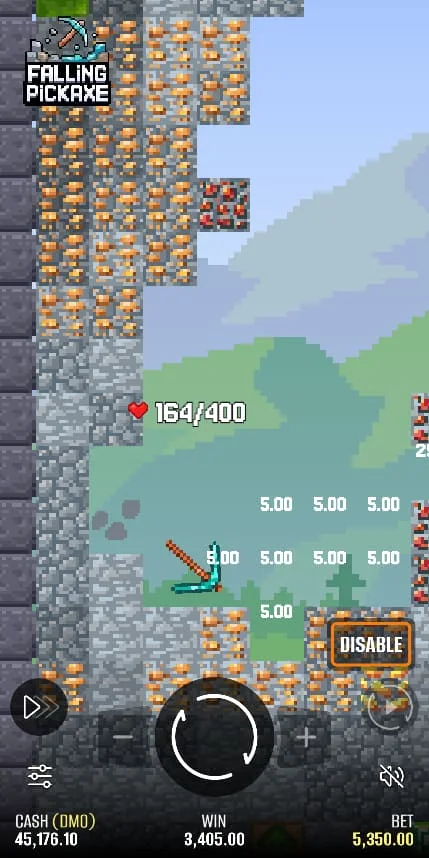
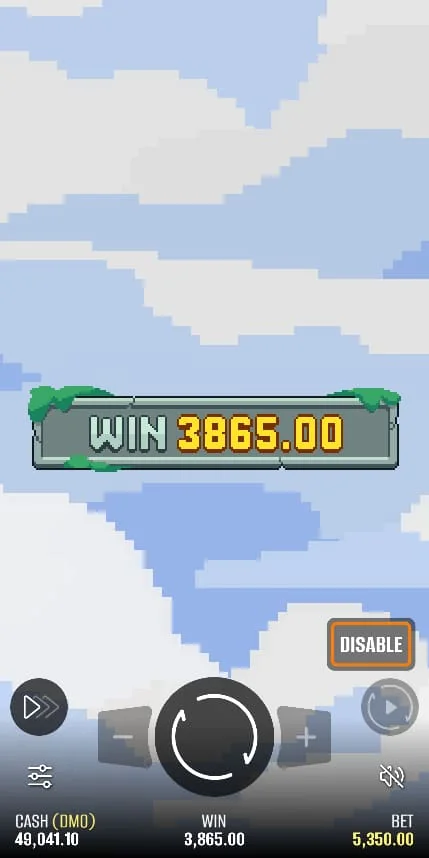
Falling Pickaxe screenshots

Frequently asked questions
Is Falling Pickaxe associated with 1Win?
Yes. Pixmove has publicly reported game activity at 1Win. Your current regional catalogue and account eligibility still need to be checked.
Can I use any 1Win bonus on it?
Do not assume so. Read the specific offer for game contribution, excluded categories, maximum stake and optional-purchase restrictions.
What if I cannot find the title?
Search the exact name and Pixmove provider, then ask authenticated support about your region before depositing.
Does the provider announcement prove withdrawal speed?
No. Game availability and casino payment performance are different questions. Read the current cashier conditions.