
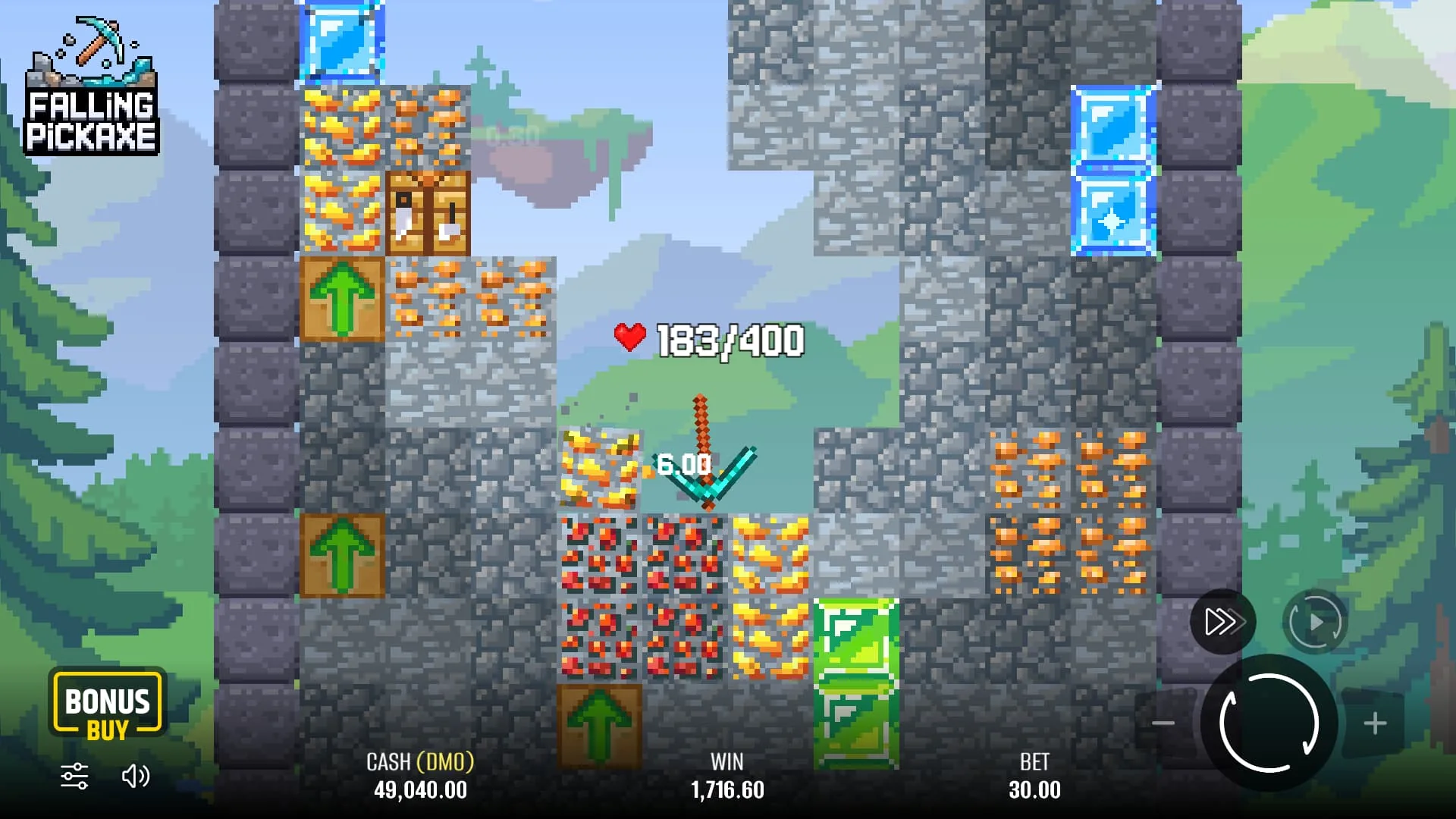
How to start the embedded demo
Press the demo button near the top of the page to load the game in the panel below it. Keep the tab open while the first assets load. The player is supplied by a third party, so a slow connection may delay the initial screen even when the surrounding guide is already visible.
- Check that the game title is Falling Pickaxe.
- Identify the virtual balance and current stake.
- Open the information panel and read the rules.
- Start a single round and wait for settlement.
- Change settings only after you understand the displayed cost.
A demonstration does not require a bank card or a payment to release winnings. If a different page asks for account or payment details, you have moved into a separate service. Review the destination and its purpose before entering anything.
What to look for during free play
Watch the pickaxe durability while it travels through the mine. Then compare ordinary terrain with mineral blocks and identify the special effects. TNT clears a path, an arrow enlarges the tool and a workbench upgrades it. These visual differences are easier to understand when you focus on one at a time.
Keep your demo stake stable while learning. This makes it easier to compare the cost of a round with the credited return. If you change both the stake and the mode repeatedly, a larger displayed win can simply reflect a larger amount spent.
A short practice session is enough to learn where the controls are. It is not enough to measure a reliable payout frequency, establish a personal RTP or prove that a particular series of losses is about to end. Use the rules guide when an effect is unclear rather than inventing an explanation from a small sample.
The durability of each pickaxe
Durability is measured in HP. Diamond starts with four times the HP of wood; the route and payout also depend on the blocks encountered.
Wood

100 points to observe the first descent and the cost of each impact.
Stone

50% more starting durability than wood.
Iron

Twice the starting HP of wood to sustain the descent.
Diamond

400 HP: the largest initial reserve of the four tools.
Demo balance and real-money balance are different
| Question | Demo | Real-money account |
|---|---|---|
| What funds are used? | Virtual demonstration balance | Account funds under the casino’s terms |
| Can a return be withdrawn? | No | Subject to verification and cashier rules |
| Is a deposit needed here? | No deposit to explore the embedded demo | The operator determines funding options |
| What can it teach? | Controls, effects and display meanings | It does not remove gambling risk |
| Are previous outcomes predictive? | No reliable prediction follows | A previous return does not guarantee the next profit |
Do not assume every operator exposes identical settings or the same demo balance. Read the rules in the version you open. The demo’s displayed amounts should not be interpreted as an offer, a payment proof or a promise about a future cash session.
A simple observation exercise
Use a notepad with three columns: cost, return and net result. For a hypothetical sequence of three 1-unit rounds returning 0, 0.50 and 2 units, the total cost is 3, the total return is 2.50 and the net result is −0.50. The final round was profitable, but the sequence as a whole was not.
This exercise is useful because a bright win animation can dominate your memory. Recording all three results keeps the comparison honest. You do not need hundreds of rounds or a prediction spreadsheet: the goal is to understand the arithmetic and the interface.
Stop the exercise at the time you chose in advance. Virtual play can still absorb more attention than intended, and an escalating demo balance is not a reason to abandon limits if you later consider paid play.
If the demo is blank or stuck
Before a round starts
Check your connection, allow the initial loading process to finish, and use a current browser. If the game never appears, close and reopen the demo panel or reload the page once. Browser privacy settings can prevent a third-party frame from loading; use the official provider page to check whether the problem is specific to the embed. Do not disable device security or bypass regional restrictions.
After a round starts
In a demonstration, reopening may reset the virtual session. In a real-money game, first inspect the transaction or round history rather than repeatedly starting new actions. The visual animation and server settlement are not the same thing.
On a phone
Try portrait orientation, close unnecessary tabs and make sure the browser zoom has not hidden the controls. Fullscreen can help if supported by your device. The mobile access guide explains the difference between browser play and an operator application.
The blocks that can change your round
A block can award a mineral payout, enlarge the pickaxe or replenish durability. Its effect explains why two drops with the same tool can unfold differently.
Repairs and upgrades
Restores durability and upgrades the pickaxe by one tier. If it is already diamond, it repairs the tool without creating a fifth tier.

- Wood
- Stone
- Iron
- Diamond
More width for 3 seconds
Enlarges the pickaxe to ×1.5. Chained arrows increase the size to ×2 and up to ×2.5, widening contact area rather than changing the stake.

One blast, several blocks
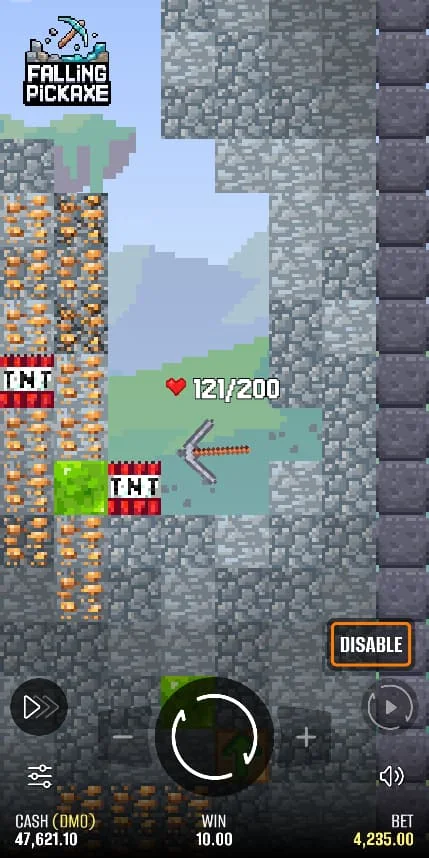
When destroyed, it clears nearby blocks within its radius. The resulting payout depends on the minerals reached.

Bounce without spending HP
The pickaxe does not break slime on impact: it bounces and continues its path. This contact does not reduce durability.

What to check before leaving the demo
If you decide to compare casinos, start with the where-to-play hub. Confirm the exact title and Pixmove provider in the current catalogue before depositing. Then read payment, verification and promotion terms. Availability in this provider demonstration does not establish availability at a named operator.
You can also stop at the demo. There is no progression requirement, reward for switching to cash or financial advantage earned by practising longer. Falling Pickaxe remains a game of chance even when you know every control and recognise every special block.
Use the 50,000 virtual balance as practice credit
The demonstration starts with 50,000 in virtual funds. This is a practice balance, not a deposit bonus and not money you can withdraw. Its scale makes it easy to explore the controls, but it can also make large stakes feel deceptively small.
Choose a much smaller imaginary session allowance within that balance. For example, reserve 100 virtual units for an observation exercise and stop when that allowance or your time limit is reached. This lets you practise reading expenditure without treating the full demo balance as a target to spend.
Reopening the demo may start a new provider session. A reset is not a withdrawal, a refund or proof of how a casino account would behave. Record the information you need before leaving the page.
Compare an ordinary round with Bonus Buy
Use two separate notes: one for normal starts and one for purchases. For each action, record the selected mode, displayed total cost, starting tool if known, final return and net result. Keep the stake setting visible so a change in base stake does not become confused with a change in mode.
| Illustrative action | Total cost | Return | Net result |
|---|---|---|---|
| Ordinary round | 2 virtual units | 3 virtual units | +1 |
| Hypothetical purchase | 40 virtual units | 30 virtual units | −10 |
These figures are invented arithmetic examples, not purchase prices. The second action returns ten times as much as the first, yet loses money because it costs much more. Use the price actually shown by the current client; never infer it from the tool icon or a clip of another session.
A few comparisons reveal how the controls work, not which mode has a superior long-run return. The more spectacular descent can still be the more expensive losing action.
Practise starting and stopping a finite batch
The client offers Autoplay counts of 10, 25, 50, 100, 250, 500, 750 and 1,000, plus unlimited. Begin with a finite batch only after understanding a single round. Note the stake and calculate gross exposure: 25 starts at 2 units mean 50 units of stakes before any returns.
Locate the manual stop control and test stopping further starts in demo mode. Wait for an active round to settle, then confirm the batch is no longer running. Do not rely on automatic stop-win or stop-loss settings; keep your own time and expenditure limits.
Autoplay is a convenience feature, not an idle-mining reward system. Leaving it running can continue to consume the selected balance; it does not improve the next tool or create earnings while you are away.
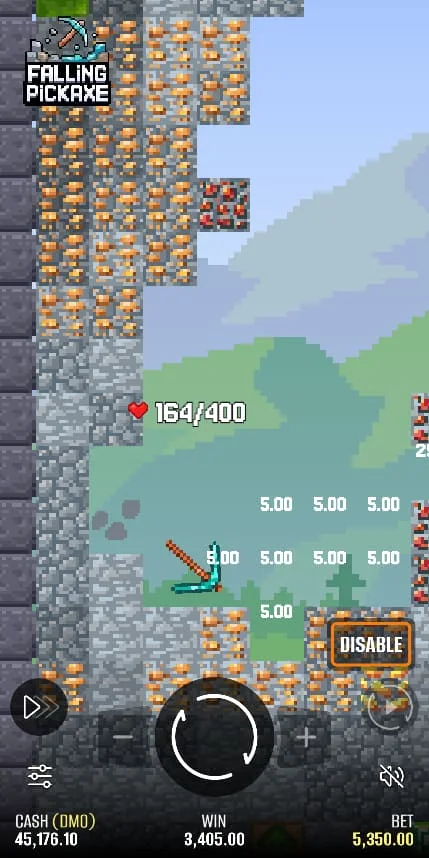
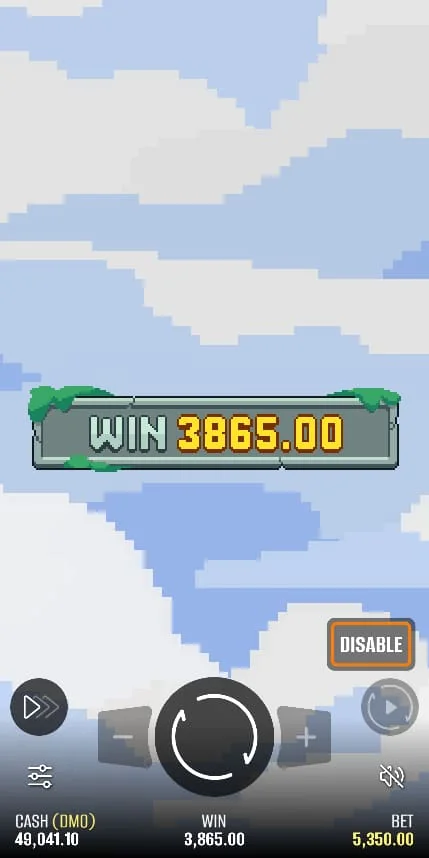
Falling Pickaxe screenshots
Frequently asked questions
Is the demo free?
The embedded demonstration uses virtual funds and does not require a deposit on this site. Any later casino registration or deposit is a separate decision.
Can I cash out the demo balance?
No. Demo funds and returns have no withdrawal value.
Why did my virtual balance reset?
A provider session may restart when the page or player is reopened. The demonstration balance is not a stored bank or casino account balance.
Does a demo win predict a cash win?
No. It shows an outcome in that demonstration session, not a guarantee about a later round or a real-money account.
Do I need to download an APK?
No download is needed to use the embedded browser demo. Avoid unrelated files advertised as predictors or guaranteed-win versions.