
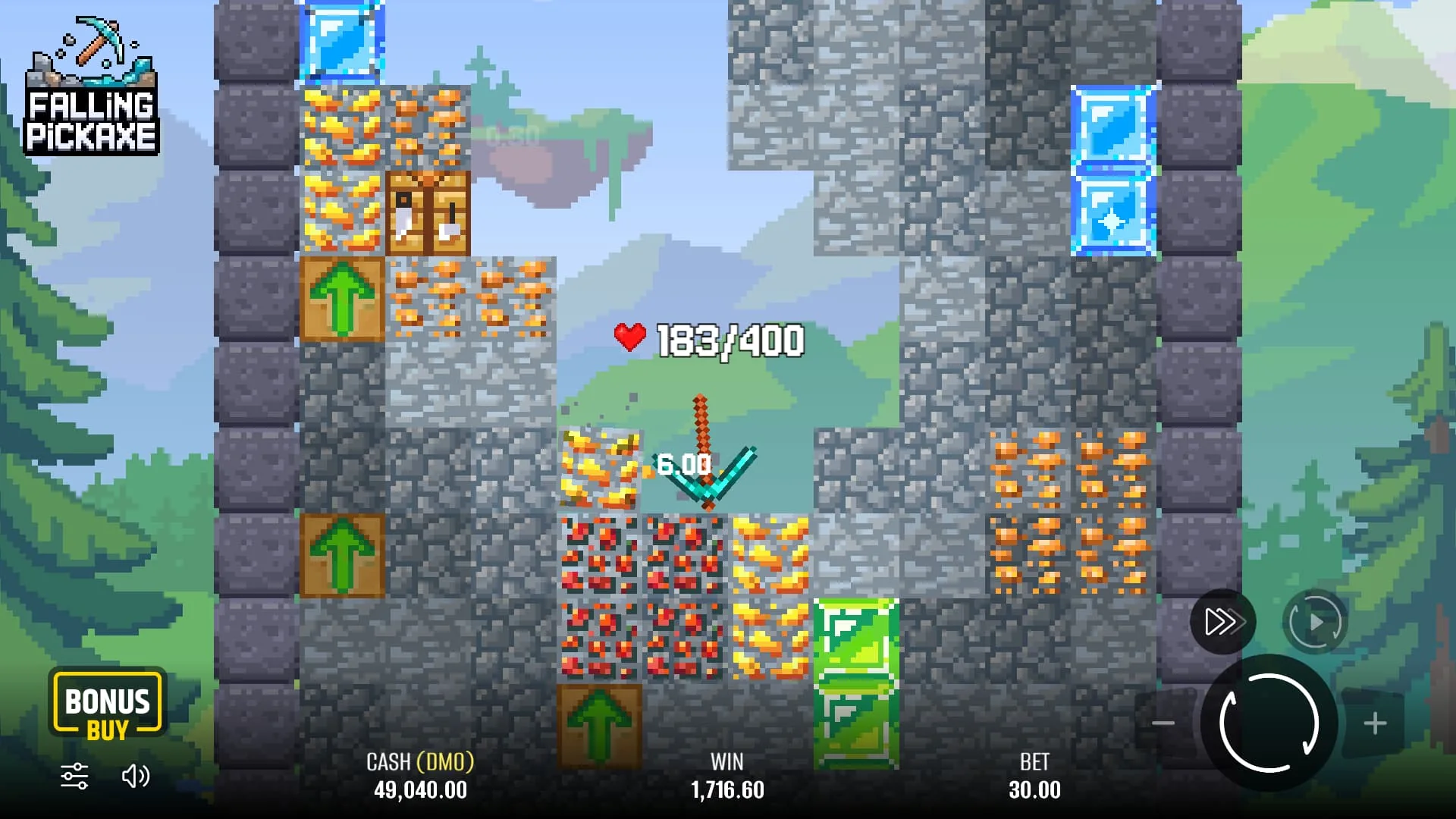
Set up the round before the pickaxe drops
Wait until the balance, stake controls and start button have finished loading. Identify whether the balance is virtual or attached to a real-money account. The demo on this site is intended for observing the interface without a deposit. At a casino, make sure you have deliberately selected the intended mode rather than assuming that a familiar-looking screen is free.
Open the information or rules panel before changing the stake. Read the payout explanation and any limits shown by the current version. If an extra-cost purchase or automated-play option appears, inspect its full terms separately. A displayed base stake is not necessarily the price of every available action.
- Choose a demo stake you can easily recognise.
- Check the total cost displayed beside the selected action.
- Close any rules panel without obscuring the controls.
- Start one round and let it finish before changing settings.
Read the round from start to settlement
The pickaxe falls through the mine and interacts with the blocks in its path. Its durability decreases as it strikes terrain. Mineral blocks can add rewards, and special blocks can change what happens next. Follow the running total without treating it as a separate withdrawal balance: the final settled result is what matters.
The animation is not an invitation to steer the tool or cash out at a chosen multiplier. Do not transfer habits from a crash game into Falling Pickaxe. There is no basis for assuming that a faster tap, a late click or a particular screen position changes which minerals appear.
When a round ends, compare the amount credited with the amount charged. If you are uncertain whether the previous action settled, inspect the game or account history before starting again. This is especially important after a connection interruption, when an animation can freeze even though the server has recorded an outcome.
The durability of each pickaxe
Durability is measured in HP. Diamond starts with four times the HP of wood; the route and payout also depend on the blocks encountered.
Wood

100 points to observe the first descent and the cost of each impact.
Stone

50% more starting durability than wood.
Iron

Twice the starting HP of wood to sustain the descent.
Diamond

400 HP: the largest initial reserve of the four tools.
Understand the blocks before following the numbers
| Element | Role in the round | What to observe |
|---|---|---|
| Ordinary terrain | Part of the route through the mine | Durability used while moving through blocks |
| Copper, gold, diamond, emerald | Minerals associated with payouts | Changes in the accumulated return |
| TNT | Clears a path through nearby blocks | The area affected after the trigger |
| Upgrade arrow | Enlarges the tool during the descent | The altered size and resulting movement |
| Workbench | Upgrades the pickaxe to a stronger tier | The change in the tool and its durability display |
Pixmove’s description highlights a progression from a wooden pickaxe towards diamond-tier equipment. A better tool changes the potential course of the descent; it does not establish a minimum cash return. Read the live rules for exact values and feature behaviour rather than using a screenshot as a complete paytable.
Pickaxe tiers and starting HP
The four listed tiers have different starting durability. Use the HP display to follow how much durability the current tool has remaining, and distinguish that value from the balance or running win.
| Pickaxe | Starting durability | Progression |
|---|---|---|
| Wooden | 100 HP | First tier |
| Stone | 150 HP | Above wooden |
| Iron | 200 HP | Above stone |
| Diamond | 400 HP | Highest listed tier |
A workbench fully restores HP and upgrades the tool through the sequence wooden → stone → iron → diamond. An upgrade arrow enlarges the tool to 1.5× for three seconds; further arrows can stack the size effect to 2× and 2.5×. The size multiplier describes the tool, not a direct multiplication of your entire payout. Check the current client information panel for the exact behaviour of the version you open.
Slime is another important exception: it deflects the pickaxe rather than breaking and does not reduce its durability. Recognising that difference explains why a bounce is not the same as striking an ordinary destructible block.
Block durability, rewards and minimum depth
The rules reference below separates three different quantities: a block’s HP, its payout expressed as a multiple of the stake, and the minimum depth at which it appears. Use the current in-game paytable as the final reference if any value differs.
| Block | HP | Payout × stake | Minimum depth |
|---|---|---|---|
| Dirt | 1 | 0 | 0 |
| Stone | 1 | 0 | 0 |
| Copper | 5 | 0.01 | 0 |
| Redstone | 10 | 0.05 | 10 |
| Gold | 15 | 0.2 | 20 |
| Diamond | 20 | 1 | 30 |
| Emerald | 30 | 5 | 40 |
For a 2-unit stake, a listed 0.2× gold reward corresponds to 0.40 units and a 5× emerald reward to 10 units. These examples explain individual listed values; they do not guarantee that a particular block will appear or that the round reaches its minimum depth.
The blocks that can change your round
A block can award a mineral payout, enlarge the pickaxe or replenish durability. Its effect explains why two drops with the same tool can unfold differently.
Repairs and upgrades
Restores durability and upgrades the pickaxe by one tier. If it is already diamond, it repairs the tool without creating a fifth tier.

- Wood
- Stone
- Iron
- Diamond
More width for 3 seconds
Enlarges the pickaxe to ×1.5. Chained arrows increase the size to ×2 and up to ×2.5, widening contact area rather than changing the stake.

One blast, several blocks
When destroyed, it clears nearby blocks within its radius. The resulting payout depends on the minerals reached.

Bounce without spending HP
The pickaxe does not break slime on impact: it bounces and continues its path. This contact does not reduce durability.

Separate a payout from a profit
Use two simple calculations: return = stake × credited multiplier, and net result = return − total cost. These examples are arithmetic illustrations, not a list of outcomes you should expect.
- A 1-unit round returning 0.60 units has a net result of −0.40.
- A 1-unit round returning 3 units has a net result of +2.
- A 2-unit round returning 2 units breaks even before any separate fees.
If a feature purchase costs more than the base stake, compare the return with the purchase cost. Using the base stake alone can make a losing purchase appear profitable. Likewise, a large win shown in another player’s recording says little without the stake, mode and preceding expenditure.
A useful first demo session
Keep the stake unchanged for a short session so the numbers remain comparable. On the first few rounds, concentrate on the location of the stake and balance. On the next few, watch the durability meter. Then look for the differences between TNT, an arrow and a workbench. This is a practical way to learn the interface without pretending to discover a pattern.
Pause if you cannot explain what an amount on screen represents. Return to the rules panel and distinguish the current win, balance and stake. The most useful result of practice is being able to describe what you paid and what was returned, not finishing with an unusually high virtual balance.
Use the demo page for loading help and the strategy page for budget examples. Neither requires you to create a casino account.
Common mistakes and how to avoid them
Changing settings too quickly: a second tap can select a different amount or action. Confirm the visible state before starting. Counting only winning screens: the net result includes every charged round, including those that return less than the stake. Confusing a feature with control: an upgrade is part of the game, not a player-selected route to a guaranteed result.
Another mistake is playing through a technical problem. If controls overlap, text is unreadable or the connection drops repeatedly, stop and test the device in demo mode. Do not reload a real-money session until you have checked whether the latest round has settled.
Before any paid play, also check the operator’s age, location, account verification and payment rules. Learning the game mechanics does not replace checking who operates the account or how a withdrawal would work.
The opening reel and the seven-cross rule
The opening reel determines whether the round receives a wooden, stone, iron or diamond pickaxe, or a cross. A cross means no pickaxe starts the mining descent for that outcome. The game rules include a specific sequence rule: after seven consecutive crosses, the eighth spin guarantees a pickaxe.
That guarantee concerns receiving a tool, not receiving a particular tier, reaching a specific depth or making a profit. Keep these claims separate. A guaranteed pickaxe can still produce a return below the cost, and earlier paid outcomes remain part of the session result.
Watch the actual client's sequence and rules rather than combining outcomes from unrelated sessions. Do not increase a stake merely because a tool is due under the sequence rule: the rule is not a promise that the next return covers previous expenditure.
Bonus Buy and Autoplay: two different controls
Bonus Buy provides an alternative paid entry into a pickaxe round. Inspect the tool or option selected and the total price displayed before confirmation. The base stake and purchase price are different quantities, and a stronger starting tool does not guarantee a profitable purchase.
Autoplay repeats starts using the selected settings. The client lists 10, 25, 50, 100, 250, 500, 750 and 1,000 rounds, plus unlimited play. A finite batch is easier to review than an open-ended sequence. Find the manual stop control before enabling it and check that further starts have stopped; an already active round may still need to settle.
Do not assume automatic profit or loss stops are available. Keep a separate session budget and stop manually when needed. For example, ten ordinary starts at 0.50 units represent 5 units of gross stakes before returns. That arithmetic makes the batch cost visible, without predicting its final balance.
Falling Pickaxe screenshots

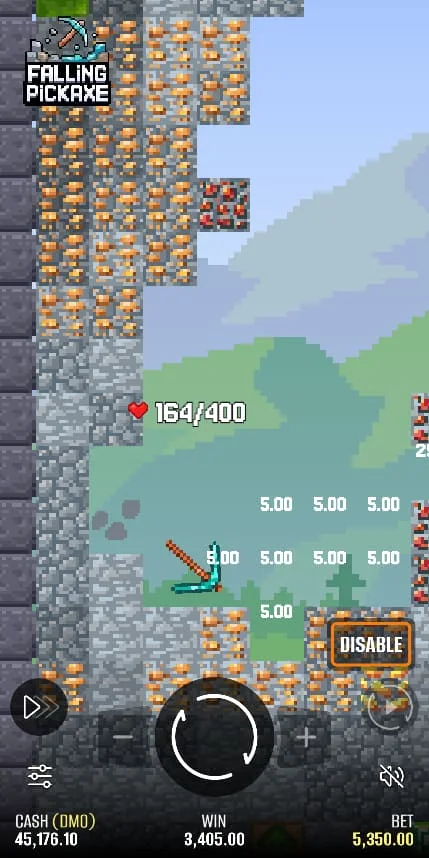
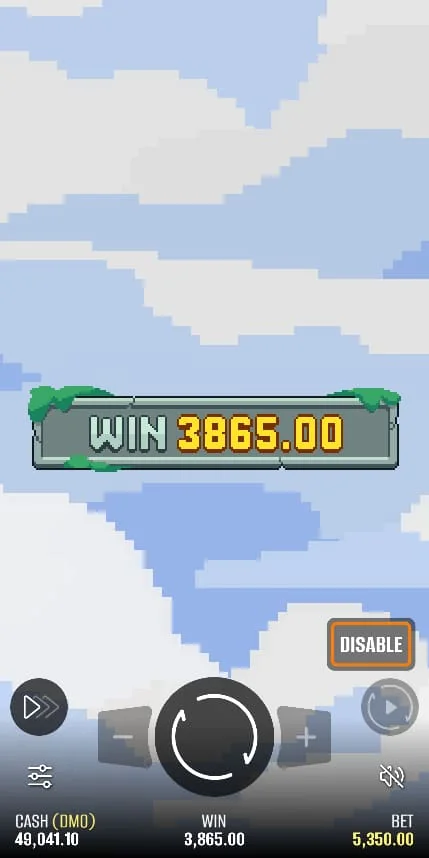
Frequently asked questions
Do I control where the pickaxe falls?
Treat the descent as the game outcome, not a steering challenge. The provider describes impacts and special blocks; practising cursor movement is not a proven way to improve returns.
What does HP mean?
HP represents the pickaxe durability shown by the game. Impacts consume it, and the tool and special features affect how the descent develops.
Can a round show a win but still lose money?
Yes. If the credited return is lower than the full cost of the round, the net result is a loss. Compare both amounts.
Should I use automated play immediately?
Learn one complete round and the stop controls first. If automation is available, read its settings and limits; it does not improve the published RTP.
What should I do after a frozen round?
Check the game or account history for settlement before retrying. Save the round reference and contact the operator if the real-money result remains unclear.