
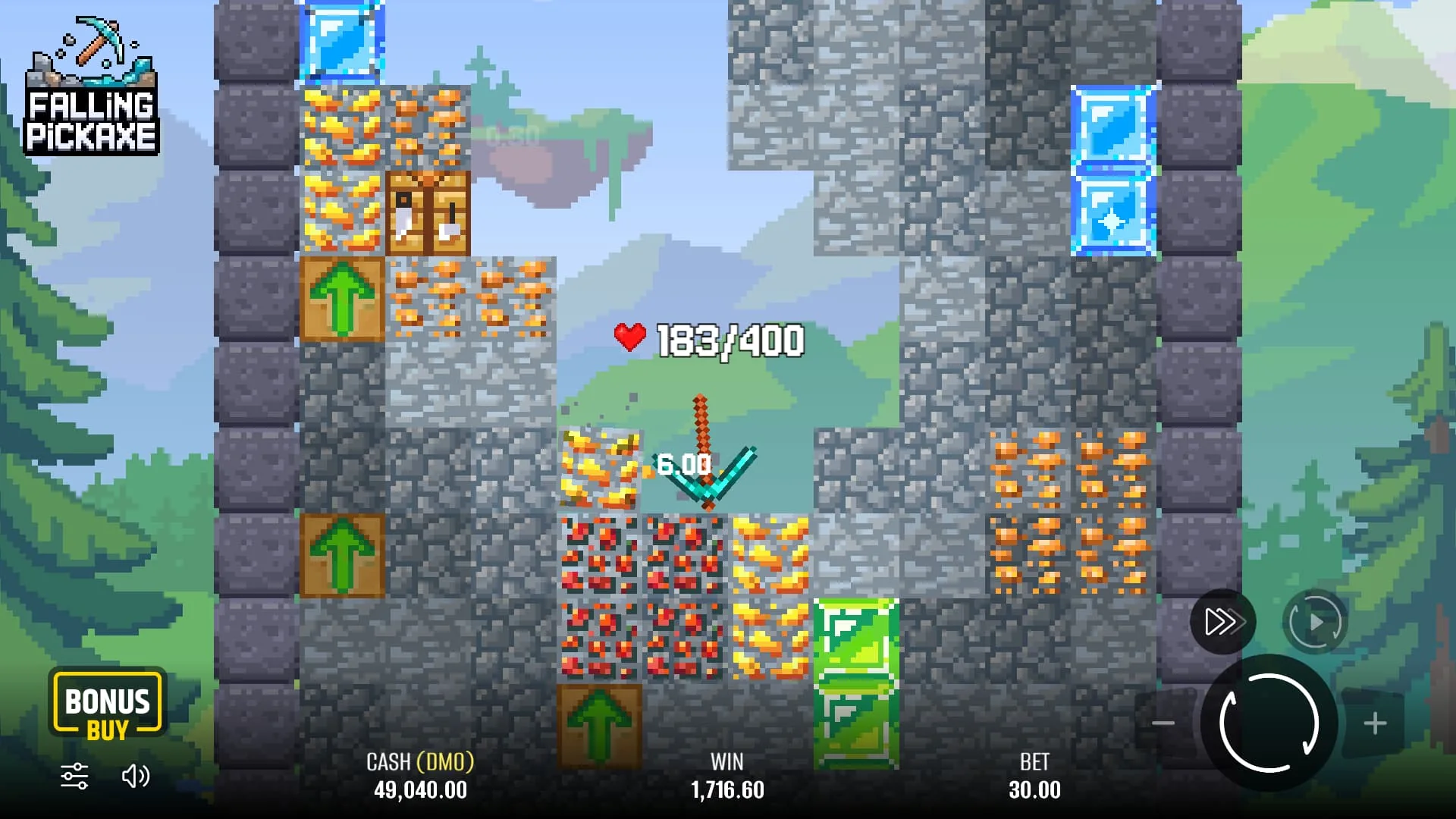
Open the game on your phone
Use a current mobile browser and open the demo page. Start in portrait orientation so you can see the mining field and controls together. Before beginning a round, locate the stake, balance and rules panel. If text is too small or part of a button is hidden, resolve the layout issue before considering paid play.
Wait for the first load to finish rather than tapping repeatedly. Game assets can take longer to arrive than ordinary page text, especially on a mobile connection. Close unnecessary tabs if the browser is under memory pressure, and avoid switching between several game sessions at once.
The word adaptive describes presentation, not a guarantee that every old device, embedded browser or operating-system version will work. Testing the free player on your own device is more useful than relying on an invented universal compatibility list.
Android: browser first, verified app only if needed
Browser access avoids downloading an application just to inspect the game. If you later choose an operator that offers an Android app, follow the download instructions on its verified website or official store listing. Check the publisher and destination rather than trusting a search-result title.
An operator APK should not be confused with a standalone Falling Pickaxe release. Do not install a file from a chat message, an unrelated download directory or a “predictor” page. Requests for excessive permissions or credentials unrelated to the intended service deserve scrutiny.
Keep the browser and operating system updated through their normal channels. You do not need to install an emulator on a phone, disable security tools or grant remote access to somebody offering to make the game run.
If you choose an operator APK
- Open the operator's verified mobile-download page.
- Check the app name, publisher and the account region it serves.
- Read the requested installation permissions and follow the device's normal security prompts only for the intended file.
- Open the app, confirm the account destination and find the exact Pixmove game.
- Keep updates tied to the same verified distribution channel.
Do not use a file labelled a standalone “official Falling Pickaxe APK” as proof of its origin. The browser demo remains the simpler route for trying the game itself.
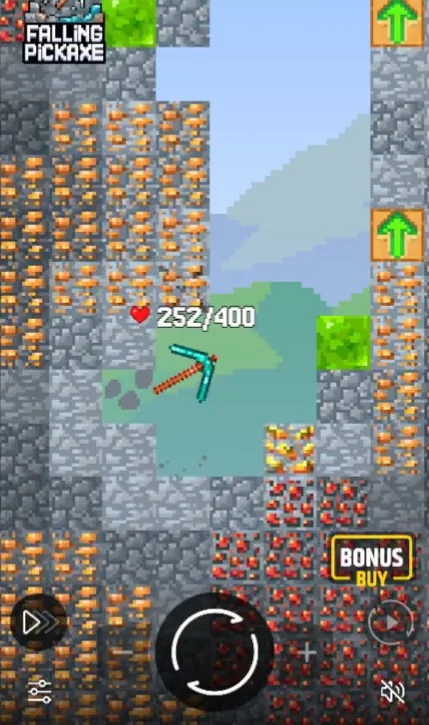
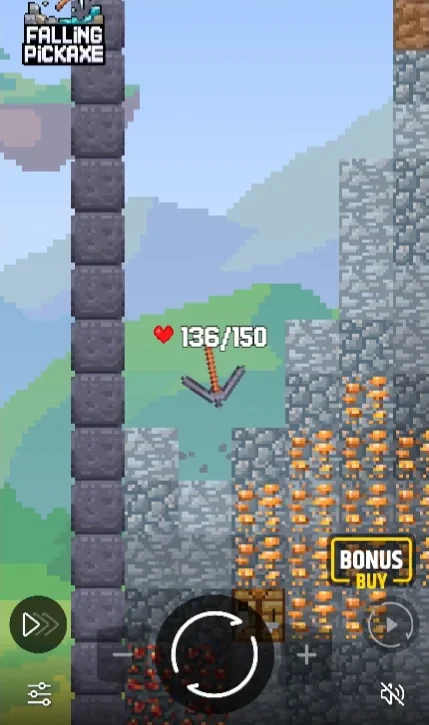
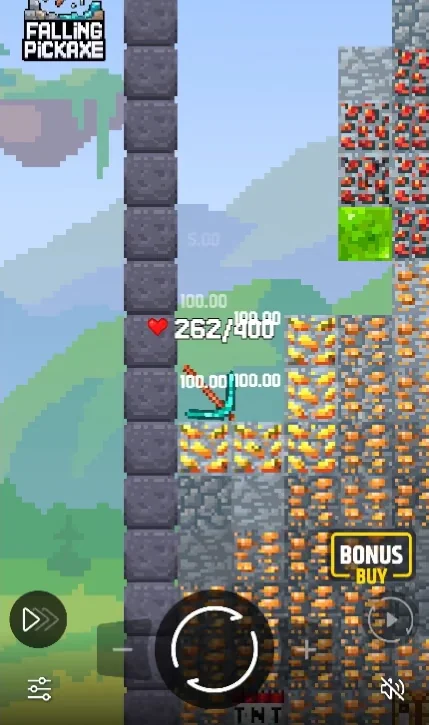
The mine in portrait mode
On mobile, check the balance, stake and durability indicator together. Portrait orientation lets you follow the drop while keeping the controls in view.
iPhone and iPad: browser and shortcuts
Open the demonstration in Safari or another supported browser and check that playback remains responsive. If you prefer a shortcut, your browser may let you add the page to the home screen through its sharing menu. A shortcut opens the website; it is not evidence of a separate app published by Pixmove.
If an operator advertises an iOS application, verify the actual store listing and publisher for your region. A screenshot of an app icon is not enough. Store availability can differ between countries and operator entities.
Do not install a configuration profile or give device-management access merely to reach a casino game. Those actions have broader consequences than adding a website shortcut. The browser demo already provides a straightforward way to inspect Falling Pickaxe.
Add a Safari shortcut
- Open the intended page in Safari.
- Use Share and choose Add to Home Screen if available.
- Review the saved name and address, then add the shortcut.
- Open it and confirm that it returns to the intended destination.
A home-screen icon does not automatically provide offline play or make the site a full PWA. Falling Pickaxe still needs its online game service to load and settle rounds.
Compare access methods by what they change
| Access method | What it provides | What to verify |
|---|---|---|
| Mobile browser | Page and embedded player without a separate game download | Readable controls and stable loading |
| Home-screen shortcut | A convenient way to reopen the website | The saved address is the intended page |
| Operator application | The operator’s account and catalogue interface | Publisher, country eligibility and current game availability |
| Desktop browser | A larger view of the field and information panel | Current browser and a reliable connection |
None of these methods makes the published RTP better. A larger screen can improve readability, and a shortcut can save navigation time, but neither changes the outcome of a round.
PC and laptop browser access
Open the demo in a current desktop browser, let the assets load and inspect the rules and controls at normal zoom. No Android emulator is required for browser access. If a window is narrow, enlarge it before starting rather than hiding part of the stake controls. After a connection failure, reopen through the normal route and check round history before repeating a charged action; reconnecting does not itself prove cancellation or recovery.
Handle a slow or interrupted session
If the demo is blank before a round starts, check the connection and reload once. Browser privacy controls or provider availability can affect a third-party embed. Try the official provider page to identify whether the problem is limited to the embedded view, without bypassing a regional restriction.
If a real-money round has already started, first check its status in the game or account history. An animation can stop while settlement has already occurred elsewhere. Record the round reference, time, stake and displayed result if you need support; do not send passwords or full payment details.
When moving between Wi-Fi and mobile data, avoid starting another round until the connection is stable. Backgrounding the browser or locking the screen can interrupt the visible presentation, so do not assume that the display alone proves whether the transaction completed.
Keep the game, operator and device separate
Pixmove develops Falling Pickaxe. The casino controls its own app, account authentication, cashier and withdrawal process. Your device provides the browser or operating system. A problem can originate in any of these layers, and the right contact depends on which layer is affected.
For an account balance or payment issue, contact the operator through its authenticated support channel. For a broken page layout, test the free demo and note the device and browser version. Never install a stranger’s remote-control tool to resolve a gambling account problem.
Before choosing an operator app, compare the casino checks and withdrawal requirements. Convenience is useful only after the account and financial conditions are understood.
APK and download searches: identify what is being offered
Searches such as “Falling Pickaxe APK”, “Falling Pickaxe download” and “Falling Pickaxe para Android” can lead to several different products: the Pixmove browser game, a casino's account application, or an unrelated mining game. Identify the publisher and purpose before downloading.
A Minecraft mod or an idle-miner app is not automatically the Falling Pickaxe casino game. Similar pixel art is a visual style, not proof of identity. Likewise, a creator's beacons.ai page is a link directory: follow the destination only after checking whether it belongs to the provider, the intended operator or an unrelated third party.
For this game, browser access is the practical first test. Downloading a file should solve a real access need, not be a condition imposed by a page claiming to unlock better payouts. Neither an APK, a shortcut nor a device change improves the published RTP.
Access from Venezuela: separate language, account and device
If you are searching from Venezuela, a Spanish interface does not itself establish that an operator accepts your account or provides a local payment route. Confirm country eligibility in the actual operator terms before registering or downloading its app.
Try the free player on the connection and phone you normally use. On a metered mobile plan, repeated game reloads and vertical video playback can consume data; let one load finish and avoid unnecessary background tabs. Do not start a paid round while the connection is switching repeatedly.
For real-money access, read the account currency and the cashier's deposit and withdrawal conditions. Do not assume that a game balance is denominated in bolívares or that a familiar local payment service is supported. The payment guide explains which details to verify without changing your location to bypass a restriction.
Before using Bonus Buy or Autoplay on a small screen
Make sure the total purchase price remains visible in a Bonus Buy confirmation. A partially hidden number is a reason to stop and adjust the layout, not to guess the cost from the base stake. Compare the selected tool and final price immediately before confirming.
For Autoplay, choose a finite count and locate the stop control while the phone is still in the orientation you intend to use. Avoid locking the screen and assuming the sequence has stopped. Reopen the player and inspect its status before starting another sequence.
The demo is useful for these control checks because it separates learning the interface from risking account funds. Once you know where every control is, the same limits and uncertainty still apply to the outcomes.
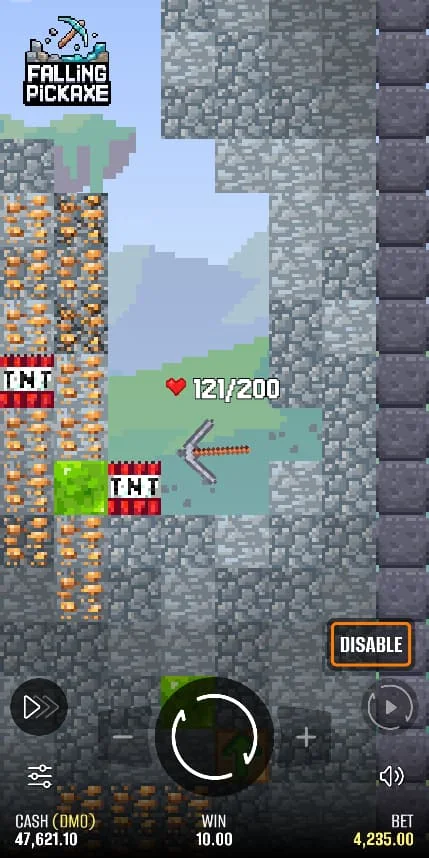
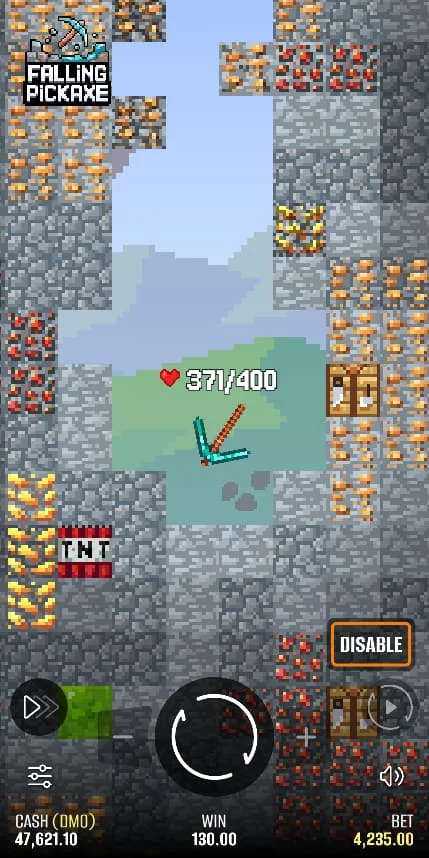
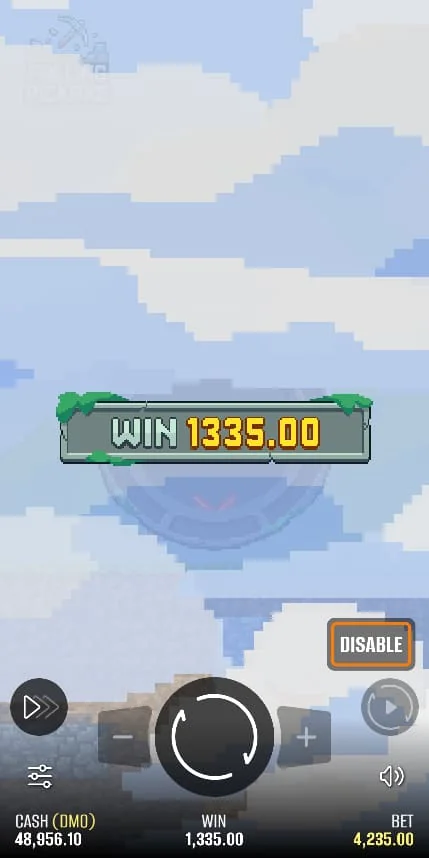
Falling Pickaxe screenshots
Frequently asked questions
Is there an official Falling Pickaxe APK here?
No APK is distributed by this site. The embedded demo opens in a browser; an operator app must be verified through that operator’s own channels.
Can I use an iPhone?
Try the adaptive demo in a current browser and confirm the controls are readable. Compatibility depends on the actual device and browser.
Does a mobile app improve RTP?
No. A different access interface does not establish a different or improved game return. Read the rules of the actual version you open.
Is a home-screen shortcut a native app?
No. It is a convenient link to a website, unless the service explicitly provides and documents additional web-app functionality.
What if my phone freezes during paid play?
Check the round or account history before placing another stake. Contact the operator with the round reference if settlement is unclear.